1.0 Intake
Work arrives on its own, from the tools you already use.
Issues in your tracker, pull requests waiting for review, a broken build on main, an alert, a schedule, any webhook. Each source has its own rules for what gets picked up and which workflow it goes to. Your team keeps filing work the way it does today.
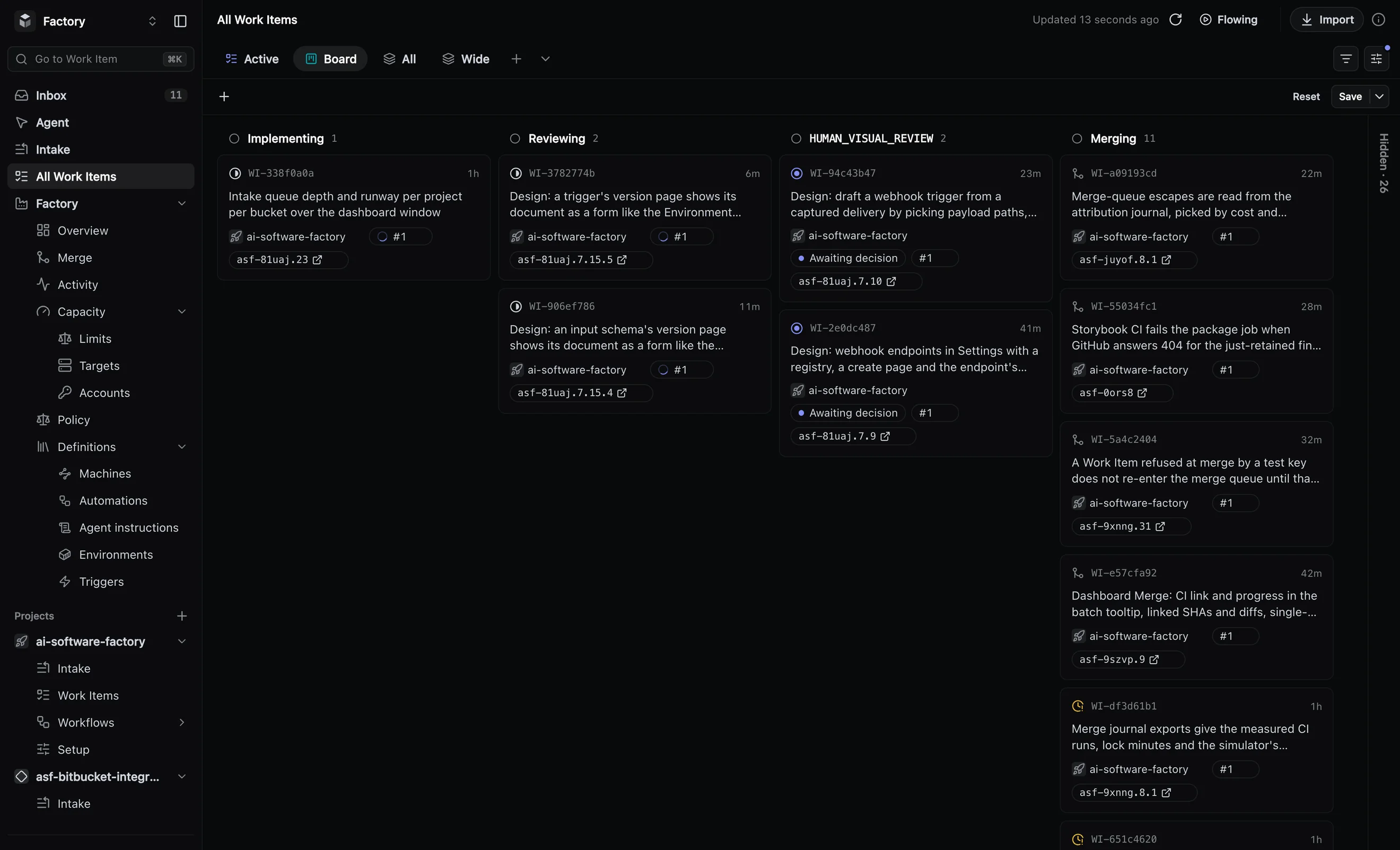
1.1 Sources
Every source ends in a result you can check
Each kind of work has its own way in and leaves something specific behind.
- An issue in your tracker becomes a planned, built, reviewed and merged change.
- A pull request, from a person or another tool, gets a review posted on it.
- A broken build on main becomes a repair, closed when the build is green again.
- A schedule starts one run per slot: dependency bumps, routine upkeep.
- An alert becomes an investigation report, with no code change.
- A webhook from any system, or a call to the API, becomes new work.
1.2 Your tracker
Keep filing work where you file it today
Your team hands work to the agents in the tracker it already uses. Label an issue, match it with a filter or assign it to the agent, and it moves through your own statuses until its change is merged.
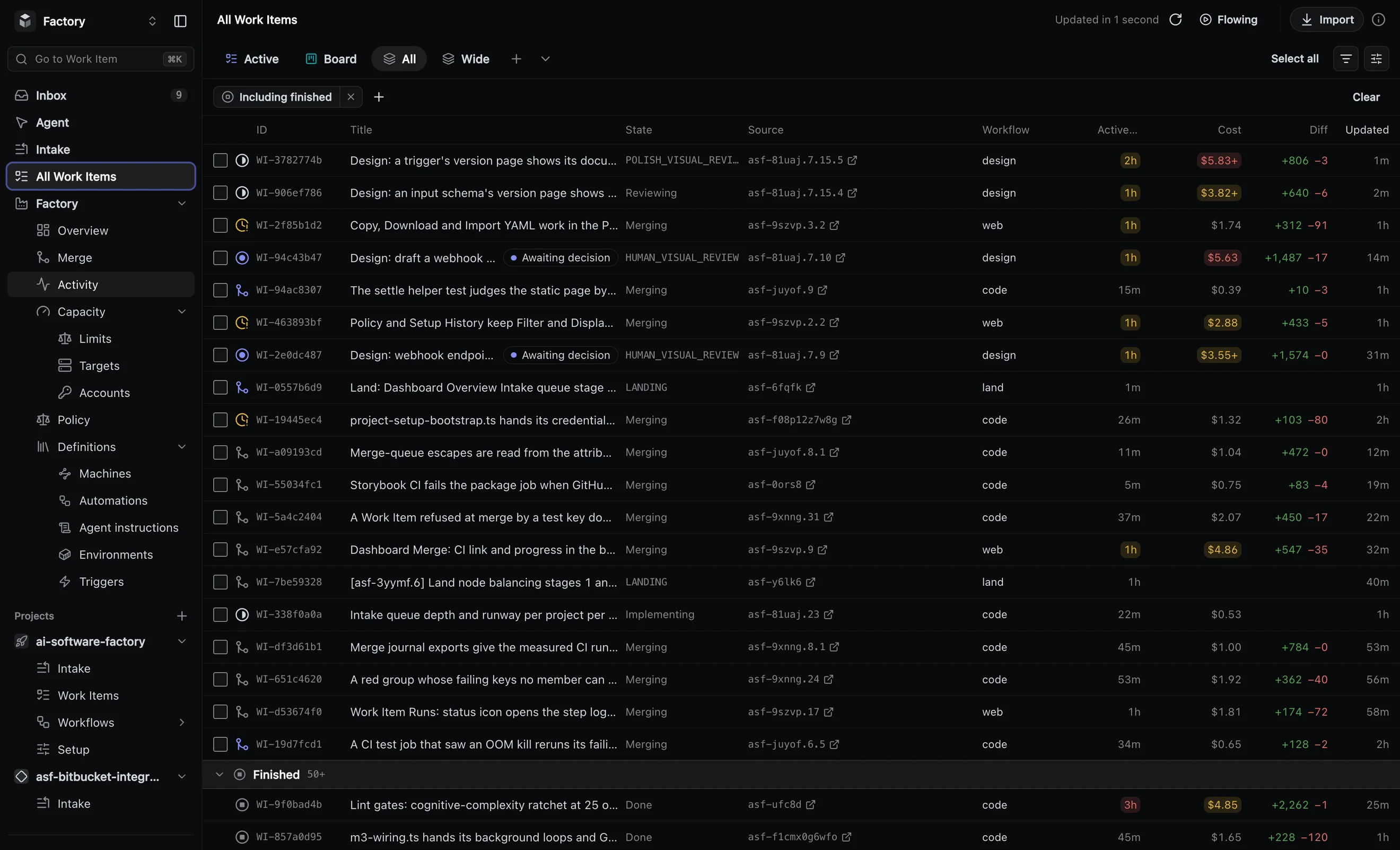
Linear
Assign an issue to the agent in Linear, the way you would assign a teammate, or let a label pick issues up.
Jira
Jira Cloud with your priorities and rank, so the agents take work in the order your team already set.
Back where it started
The result returns to the issue or pull request the work came from, so the team follows it where it already looks.
GitHub Issues, Azure DevOps Boards and Beads connect the same way.
1.3 Rules per source
You decide what the agents pick up
Each source has its own rules: what to pick up, how it ranks against other sources, and which workflow it goes to. Every item lands in exactly one workflow.
- Try a route on a sample item before it goes live, and see where it would land and why.
- Preview a change to the rules on the last seven days of work: what would be taken, dropped or routed elsewhere.
- Every webhook delivery is logged, its signature verified and duplicates dropped.
- Counters show how many items each rule and each workflow took.
- Pause any source when you need it quiet.
1.4 Schedules
Recurring work on a calendar
Run a workflow on a calendar rule: every weekday at nine, the first Monday of the month. Each slot starts one run, and runs never overlap. A slot that is missed is recorded, not lost.
Good for the chores nobody wants to schedule by hand: dependency bumps and routine upkeep.
Scheduled upkeep workflow →