● Workflow · UI design
Screens designed and built by agents, approved by you.
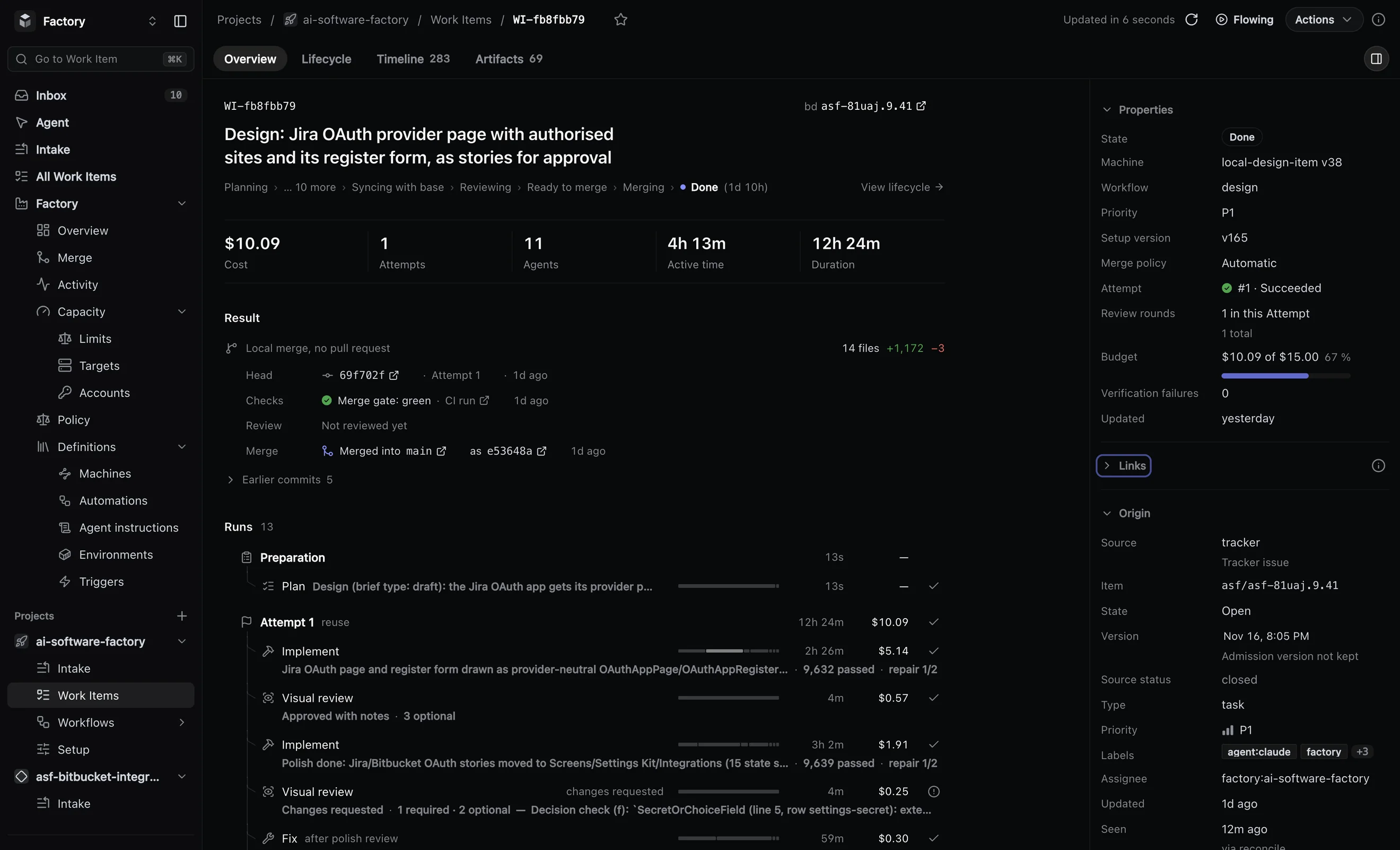
Agents write the brief, draft the screens, check them and fix them. You give the idea a draft review, and later the finished screen a final review. This is how we redesigned the task page of our own product: a draft, then 11 follow-up pieces, all merged.
● Seven stages
Who works at each stage, and what it leaves behind
Agents draft, review and fix. Automated checks run on every version. You decide twice. Every stage leaves something you can open later: a brief, stories, check results, a review, a merged change.
-
01
Brief
- Planner agent
- Brief check
A planner agent writes the brief: the screen, its states, the existing components to reuse and what counts as done. A check refuses an incomplete brief before any other work starts.
ResultA complete brief to design from
-
02
Draft
- Designer agent
A designer agent builds the screens as Storybook stories, not yet wired into the product. With them comes a one-page review sheet, written to be read in under a minute.
ResultStorybook stories and a review sheet
-
03
Story checks
- Automated checks
Every story has to render. Console errors, overflowing elements and serious or critical accessibility violations that main does not have are caught automatically.
ResultA check result for every story
-
04
Visual review
- Reviewer agent
A reviewer agent judges screenshots of the stories against the brief. What doesn’t match goes back to the designer agent, at most twice, before a person is asked.
ResultA review against the brief, with the screenshots it judged
-
05
Draft review
- You
You get a Storybook preview link for this version on the task, with the review sheet. Approve, or leave remarks that go back to the agent. Rounds are capped; past the cap, the factory sends you a decision request.
ResultYour approval, or remarks for the next round
-
06
Polish
- Designer agent
- Reviewer agent
- You
On the same branch, the screens are wired into the product, with tests where your rules ask for them. The visual review runs again, then you give the finished screen its final review.
ResultWorking screens in the product, approved by you
-
07
Merge
- Reviewer agent
- Tests
- Merge queue
An agent reviews the code, related tests run every round and the full suite runs before merge. The change merges through the queue on its own, with its help pages updated in the same change. Draft screens left behind are refused at the merge gate.
ResultA merged change on main
● Reviews
Six reviews. Two of them are yours.
Machines check what machines can check, and an agent compares the screens with the brief. By the time you are asked, the checks have passed and the agent’s fixes are in. You judge the idea and the finished screen.
Story checks
- Automated
Every story renders. Console errors, overflowing elements and serious accessibility violations that main doesn’t have are caught.
Visual review
- Agent
Screenshots judged against the brief, with up to two fix rounds before a person is asked. It runs again after polish.
Draft review
- You
The idea, as live stories with the review sheet. Approve or leave remarks; the rounds are capped.
Final review
- You
The finished screen, wired into the product and reviewed again by the agent before you see it.
Code review
- Agent
An agent reviews the code of the change, and the related tests run every round.
Full test suite
- Automated
The whole suite runs before merge. Nothing merges past a red required check.
● Less load on people
Less for people to check, read and chase
A person’s attention is the scarcest thing in the loop. The workflow asks for it twice and prepares both times:
- Incomplete briefs never start. A check refuses them before any agent works.
- Machines look first. Story checks and the agent’s visual review run, and fixes go back, before anyone is asked.
- One page to read. The review sheet is written to be read in under a minute.
- One link to open. Every version gets its own Storybook preview link on the task.
- No endless rounds. Agent fixes and your remarks are capped; past the cap you get a decision request, not another loop.
- Small fixes in batches. Each small interface fix merges on its own, and you review the whole area once.
● Decisions
One request with everything you need to decide
When rounds run out, checks stay red or an agent has a question, the factory stops and asks a person. The request explains itself, and your answer continues the same work: nothing is lost while it waits. Answer on the web or in Slack.
- Why it stopped
- The reason in plain words, such as the round limit on your remarks.
- Evidence
- The runs, checks and reviews behind the stop.
- Recommendation
- The answer the factory recommends.
- Answers
- Each answer says what it will do with the work before you pick it.
- Approve
- Request changes
- Retry
- Replan
- Cancel
● Supporting materials
Every review comes with a live preview and a one-page summary
Your existing Storybook is used: the factory reads where your stories live and how to build them. Every version gets its own preview link on the task.
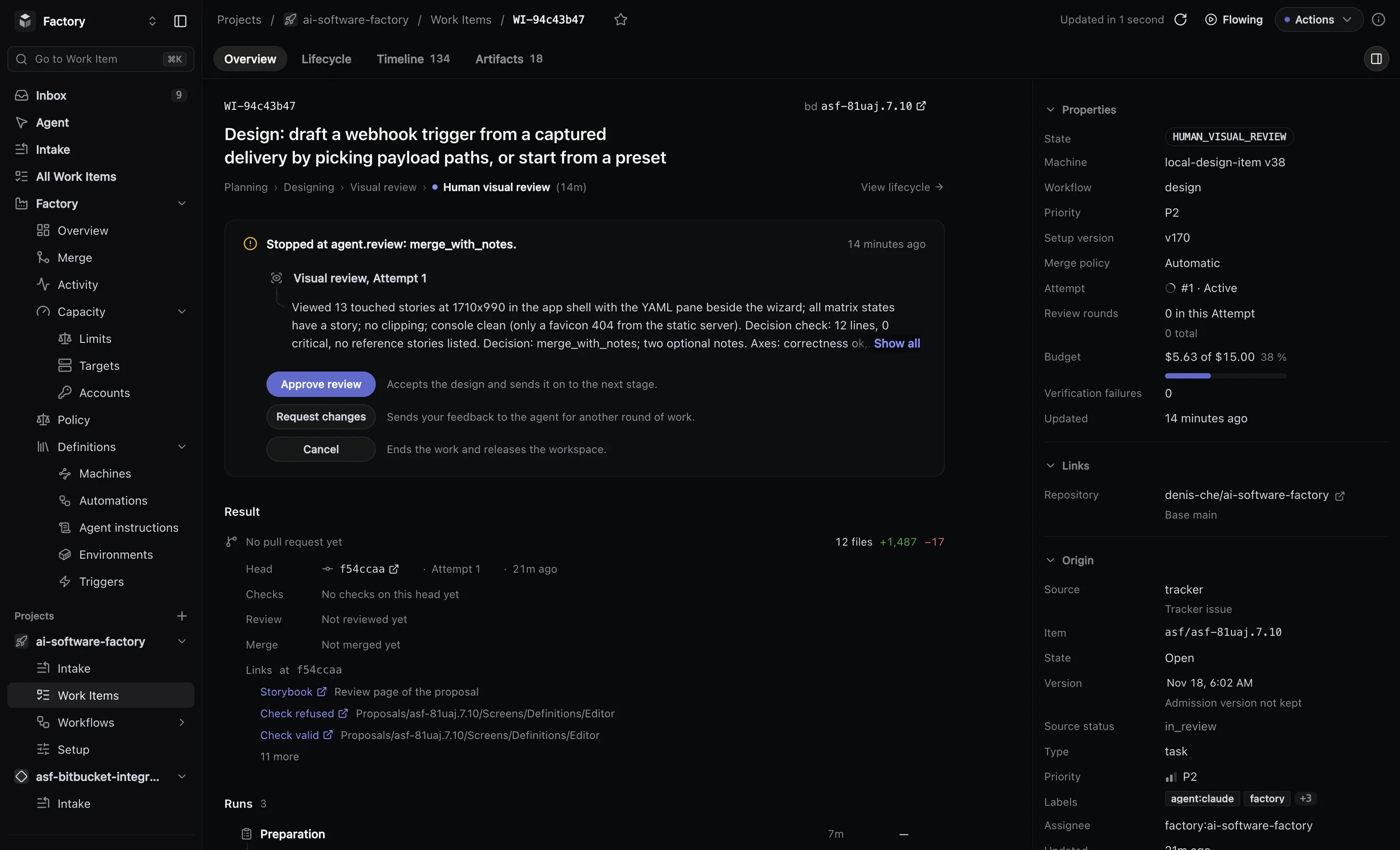
Storybook stories
The screens as live components in your own Storybook, drafted before anything is wired into the product.
The review sheet
One page that comes with every draft, written to be read in under a minute beside the preview.
Screenshots
Screenshots of the stories, which the reviewer agent judges against the brief.